RemoteFitBox
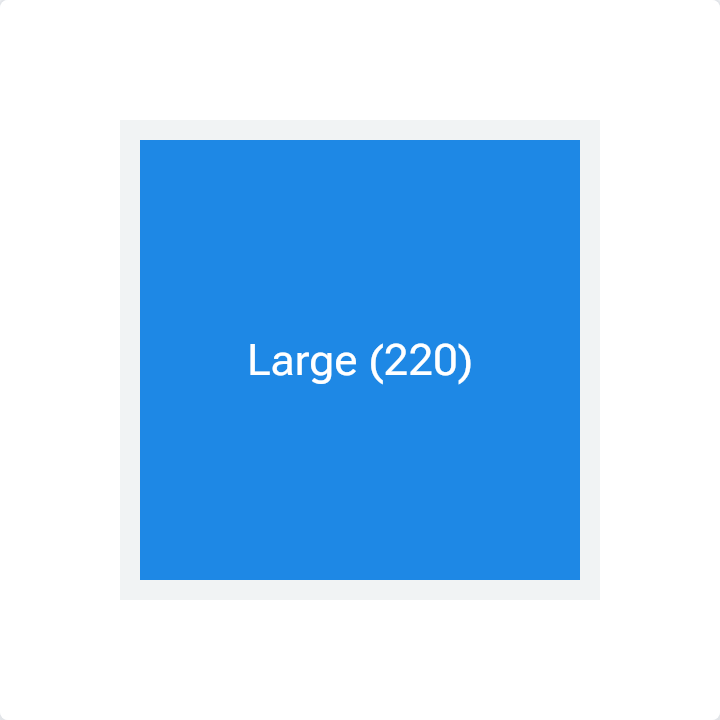
Resize the container: the player picks the large, medium or small variant.
Open the live, interactive demo →
Change its controls, read the remote document it produces and the diff after every change.
What it is
Holds several versions of the same content, large to small, and shows the biggest one that fits. The device decides, not the server.
Good for
- A widget with large, medium and small layouts
- Responsive cards without separate designs per device
Code
The story's source with androidx.compose.remote imports. CI compiles every snippet on this site against AndroidX.
import androidx.compose.remote.creation.compose.layout.RemoteAlignment
import androidx.compose.remote.creation.compose.layout.RemoteArrangement
import androidx.compose.remote.creation.compose.layout.RemoteBox
import androidx.compose.remote.creation.compose.layout.RemoteComposable
import androidx.compose.remote.creation.compose.layout.RemoteFitBox
import androidx.compose.remote.creation.compose.layout.RemoteText
import androidx.compose.remote.creation.compose.modifier.RemoteModifier
import androidx.compose.remote.creation.compose.modifier.background
import androidx.compose.remote.creation.compose.modifier.fillMaxSize
import androidx.compose.remote.creation.compose.modifier.size
import androidx.compose.remote.creation.compose.state.rc
import androidx.compose.remote.creation.compose.state.rdp
import androidx.compose.remote.creation.compose.state.rs
import androidx.compose.remote.creation.compose.state.rsp
import androidx.compose.runtime.Composable
import androidx.compose.ui.graphics.Color

@Composable
@RemoteComposable
fun FitBoxResponsive(containerSize: Int) {
    // RemoteFitBox shows the first child that fits the space it is given.
    RemoteBox(
        modifier = RemoteModifier.size(containerSize.rdp).background(Color(0xFFF1F3F4).rc),
        contentAlignment = RemoteAlignment.Center,
    ) {
        RemoteFitBox(
            modifier = RemoteModifier.fillMaxSize(),
            horizontalAlignment = RemoteAlignment.CenterHorizontally,
            verticalArrangement = RemoteArrangement.Center,
        ) {
            RemoteBox(
                RemoteModifier.size(220.rdp).background(Color(0xFF1E88E5).rc),
                contentAlignment = RemoteAlignment.Center,
            ) {
                RemoteText("Large (220)".rs, color = Color.White.rc, fontSize = 22.rsp)
            }
            RemoteBox(
                RemoteModifier.size(140.rdp).background(Color(0xFF43A047).rc),
                contentAlignment = RemoteAlignment.Center,
            ) {
                RemoteText("Medium (140)".rs, color = Color.White.rc)
            }
            RemoteBox(
                RemoteModifier.size(70.rdp).background(Color(0xFFE53935).rc),
                contentAlignment = RemoteAlignment.Center,
            ) {
                RemoteText("S".rs, color = Color.White.rc)
            }
        }
    }
}
API
creation.compose.layout.RemoteFitBox
void RemoteFitBox(optional RemoteModifier modifier, optional RemoteAlignment.Horizontal horizontalAlignment, optional RemoteArrangement.Vertical verticalArrangement, optional () -> Unit content)